Public APIs, drawn as interfaces
Meeting a new API usually means reading a wall of JSON. Each page here fetches one public API live, in your browser, and draws the response the way Imago does: the values that matter up top, a fact sheet under them, tables and charts for the rest.
Every page links straight into Imago with that endpoint loaded, so you can keep going with your own.
The gallery
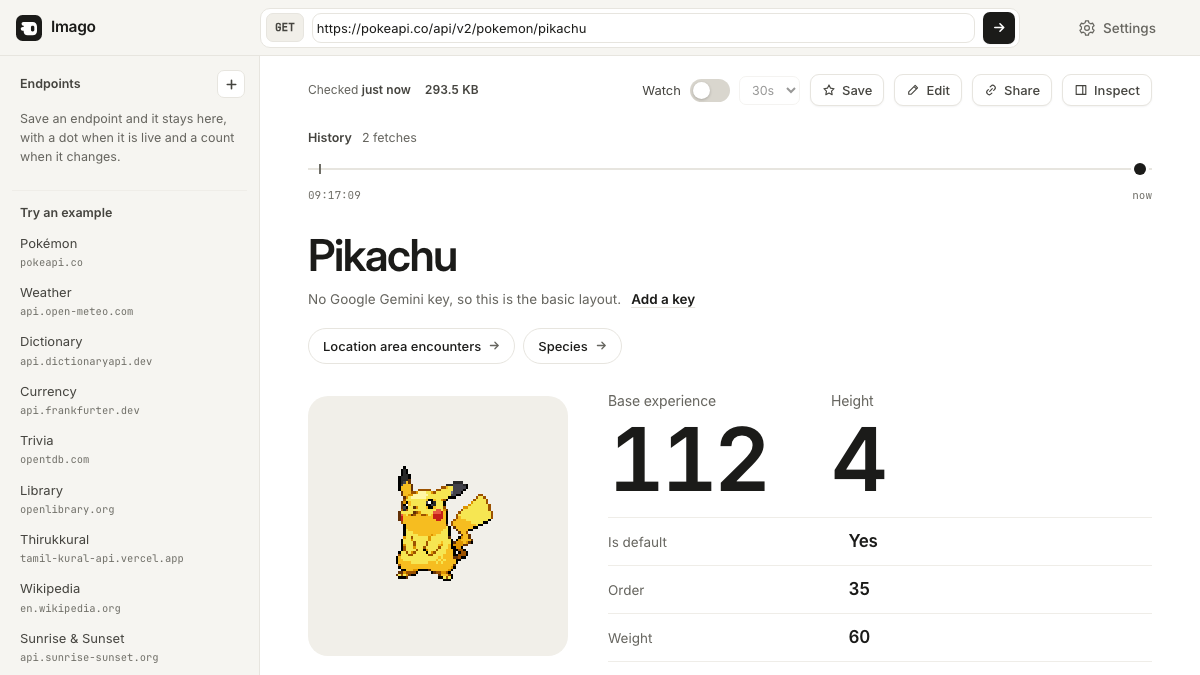 PokémonPokeAPIOne Pokémon as a page: sprite, stat bars, type badge.pokeapi.co
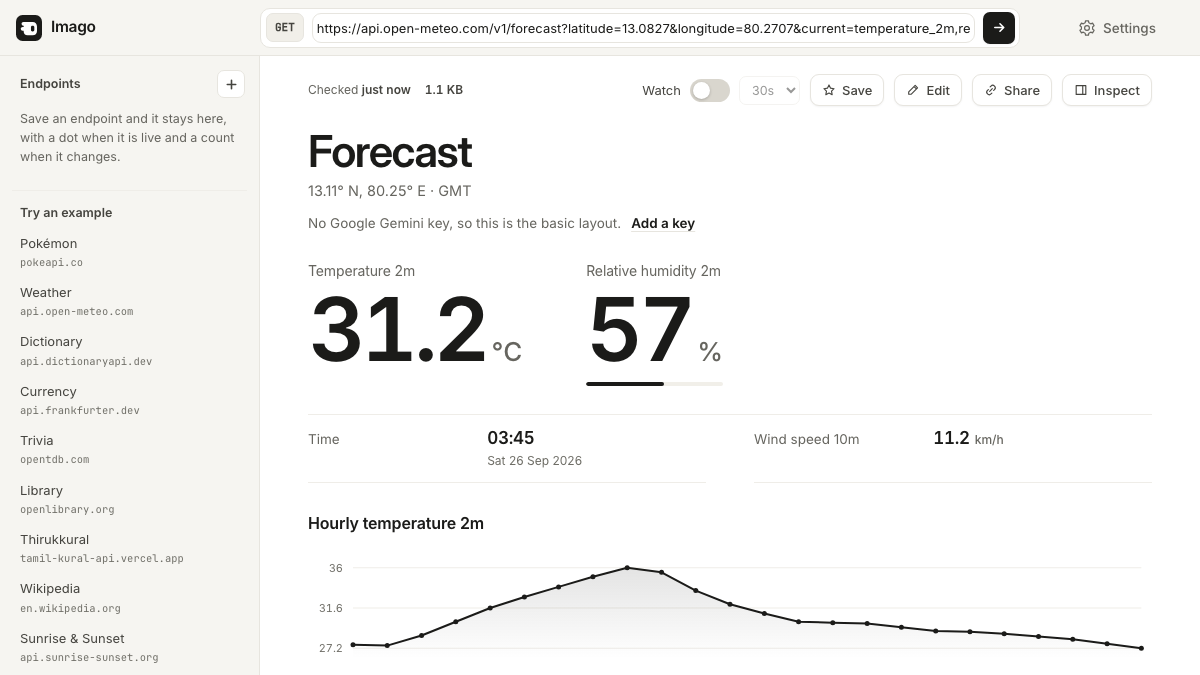 WeatherOpen-MeteoA forecast read for a human: units rejoined, hours charted.api.open-meteo.com
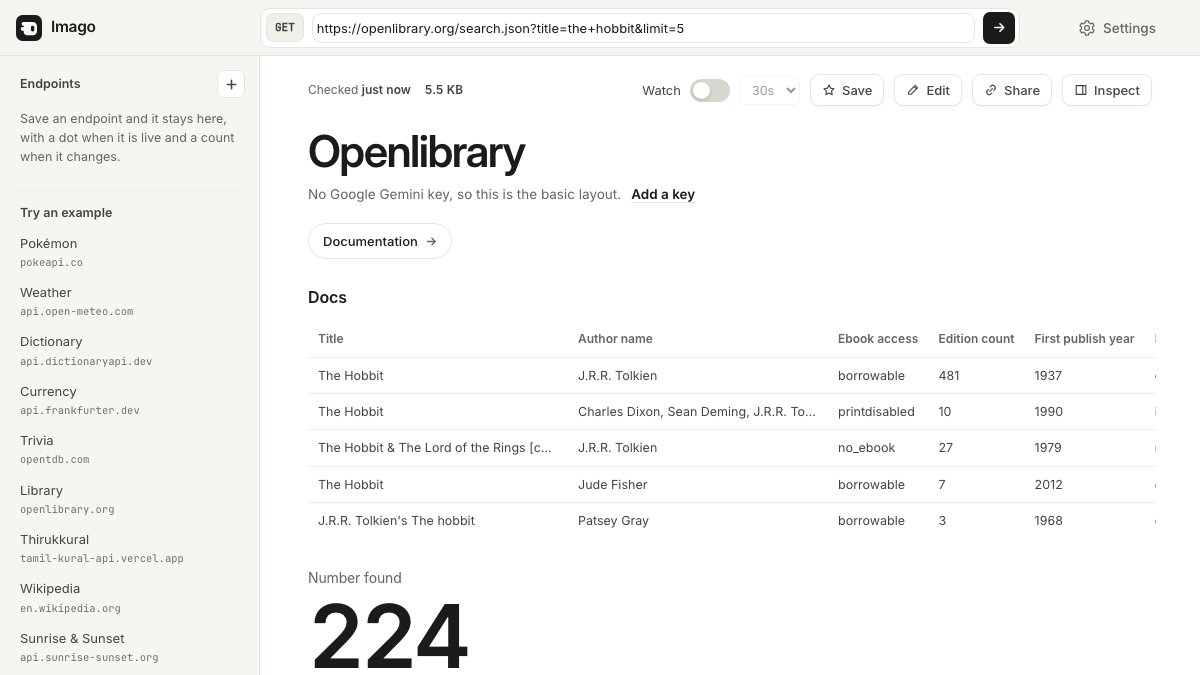 BooksOpen LibraryA search result becomes a table of books.openlibrary.org
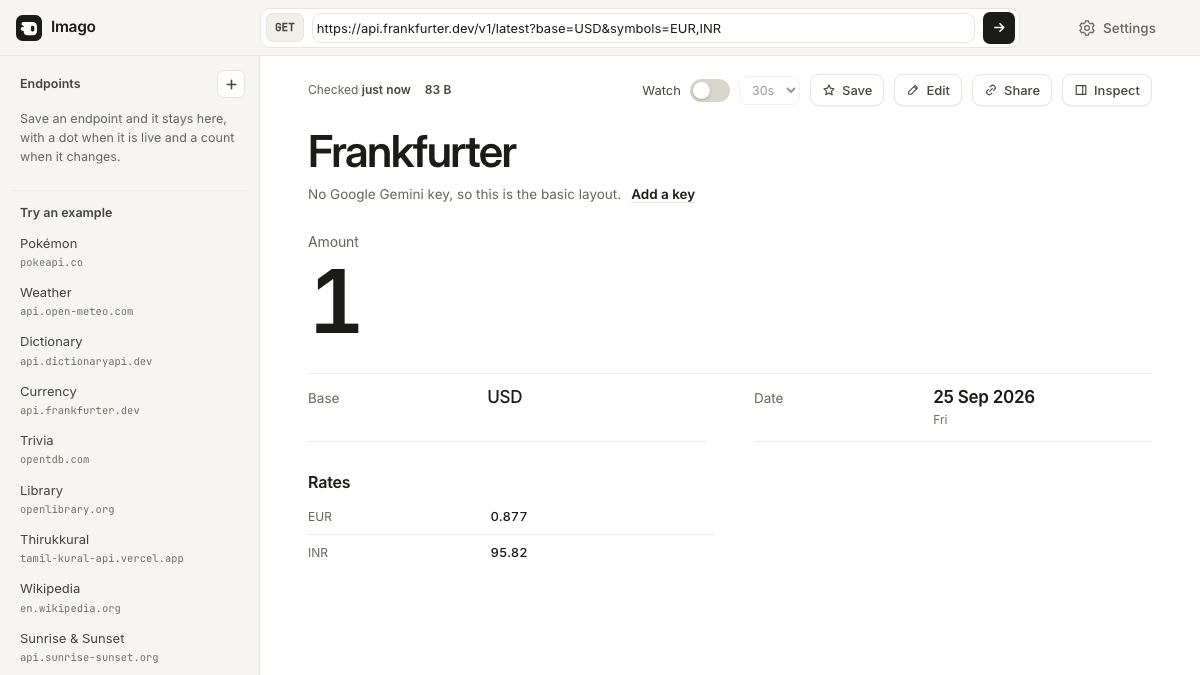 Exchange ratesFrankfurterThe day’s exchange rates, as a headline and a short list.api.frankfurter.dev
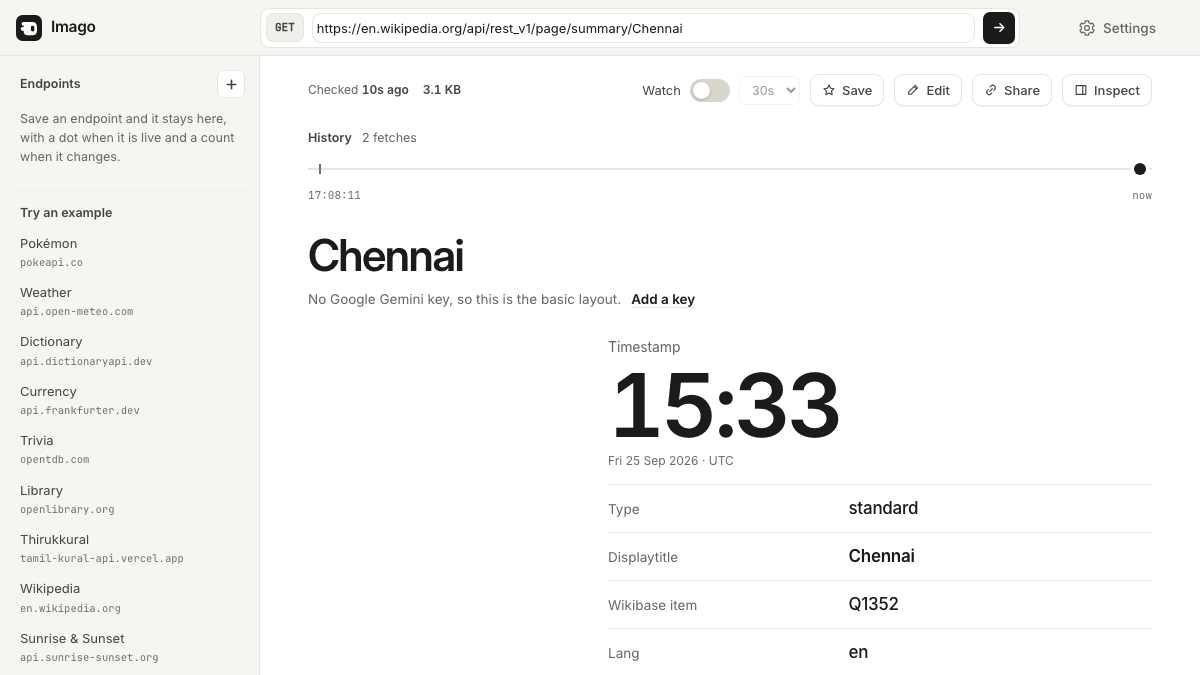 EncyclopediaWikipediaAn article summary: thumbnail, description, opening paragraph.en.wikipedia.org
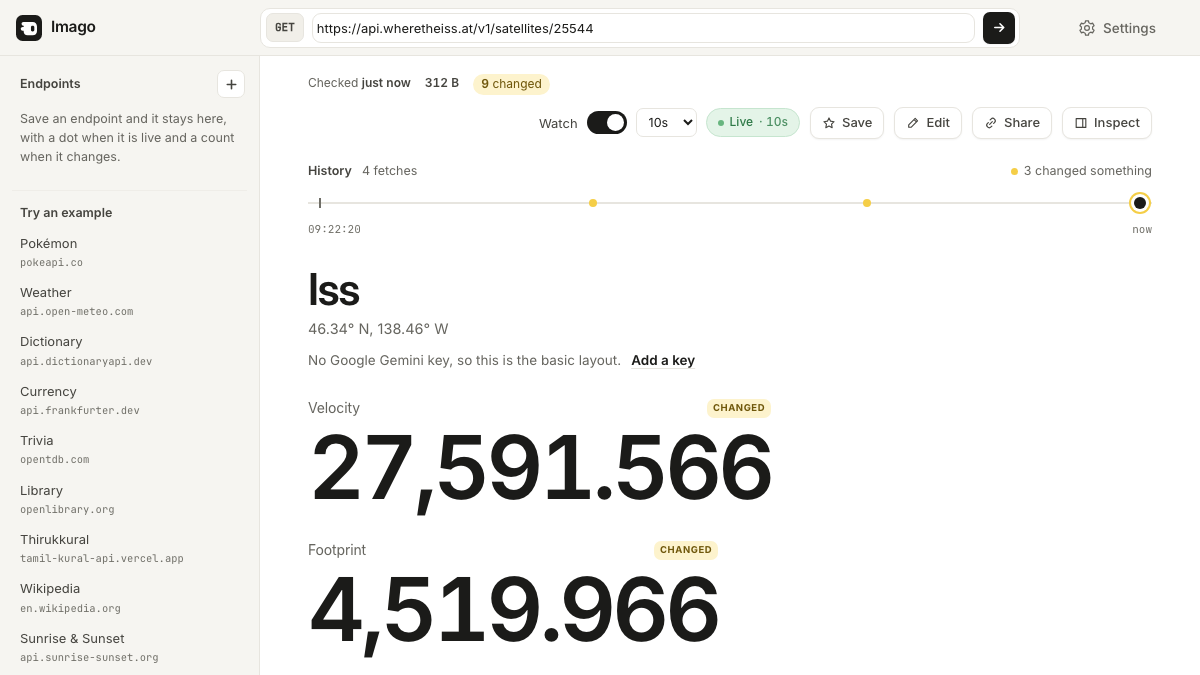 Space stationWhere the ISS at?The space station’s position right now, and how it changes.api.wheretheiss.at
How the drawing works
Imago reads the shape of a response, not its field names. Numbers are paired with their units, three or more timestamps become a timeline, arrays of records become tables, and bookkeeping sinks into Details. Every value is written as text, so nothing from an API is ever treated as markup.
Run an API?
Put an “Open in Imago” button in your docs: link to https://imago.onslate.in/app/#open= followed by your endpoint. No sign-up and no script on your site. The badge is in the press kit.
Free
Imago is free and open source. Bring your own free Gemini or Groq key, or use none.